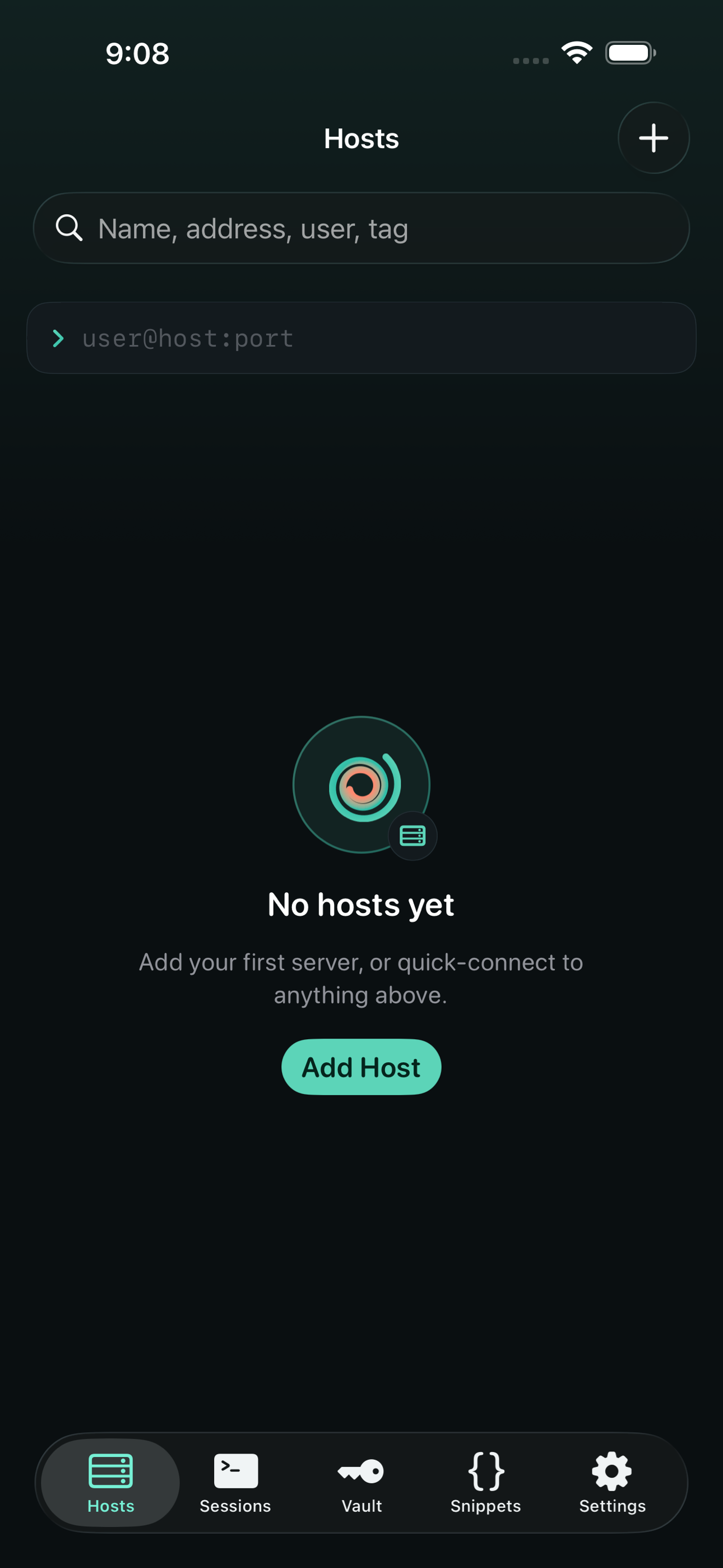
A full SSH toolkit with the tracking stripped out. Everything is stored on-device, protected by iOS file protection and the Keychain.
SSH & Mosh
Password and public-key auth (Ed25519, RSA with rsa-sha2-256, ECDSA), passphrase-protected keys, and native Mosh over UDP so sessions survive roaming.
SFTP
Browse, upload from Files or Photos, download, rename, move, delete, mkdir, chmod, edit files, and watch transfers in a tray with cancel.
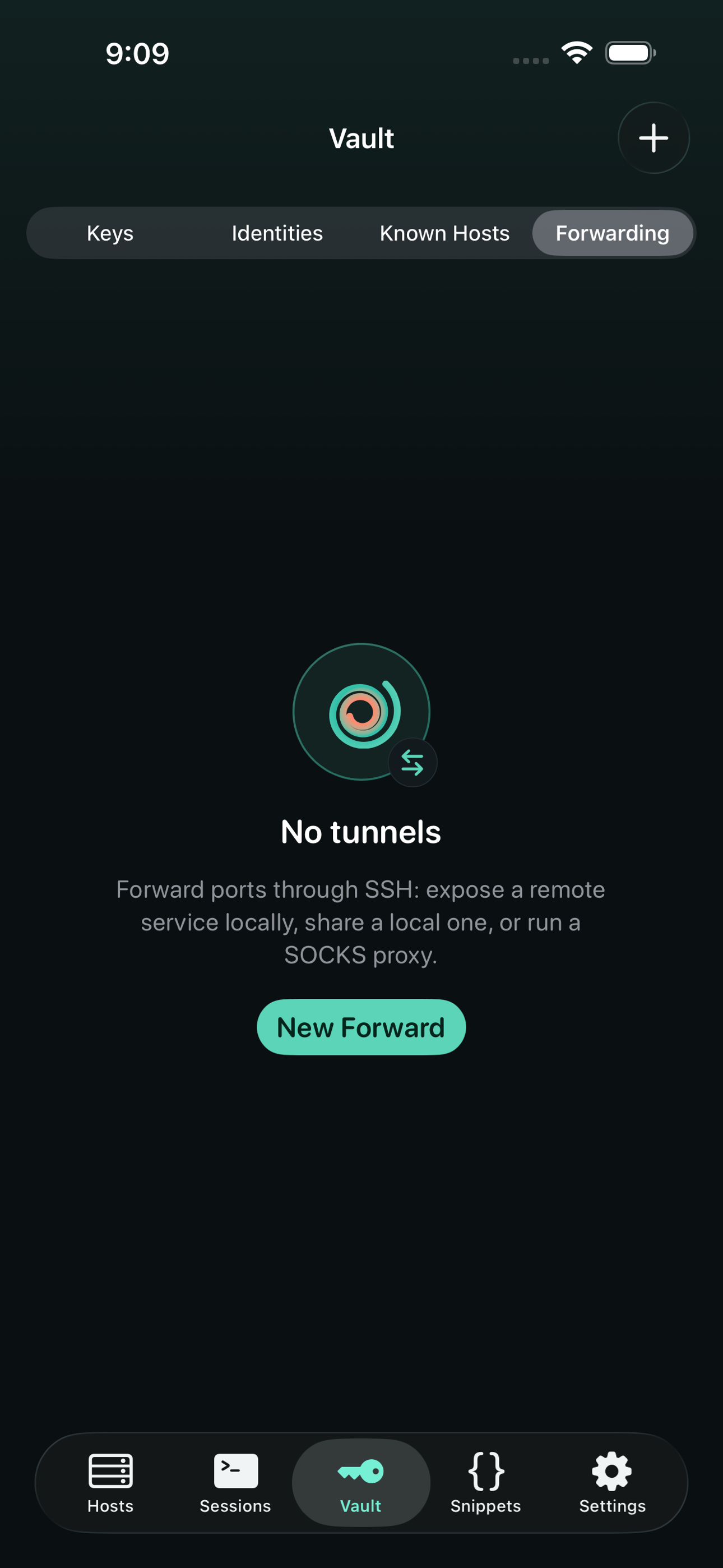
Port forwarding
Local (-L), remote (-R) and dynamic SOCKS5 (-D) tunnels with live status — bound to localhost by default.
Bastion chains
Jump hosts of any depth. Each hop uses its own credentials and its own host-key checks.
Host-key safety
Trust-on-first-use with SHA256 fingerprints, a loud warning when a key changes, and a known-hosts manager.
Real terminal
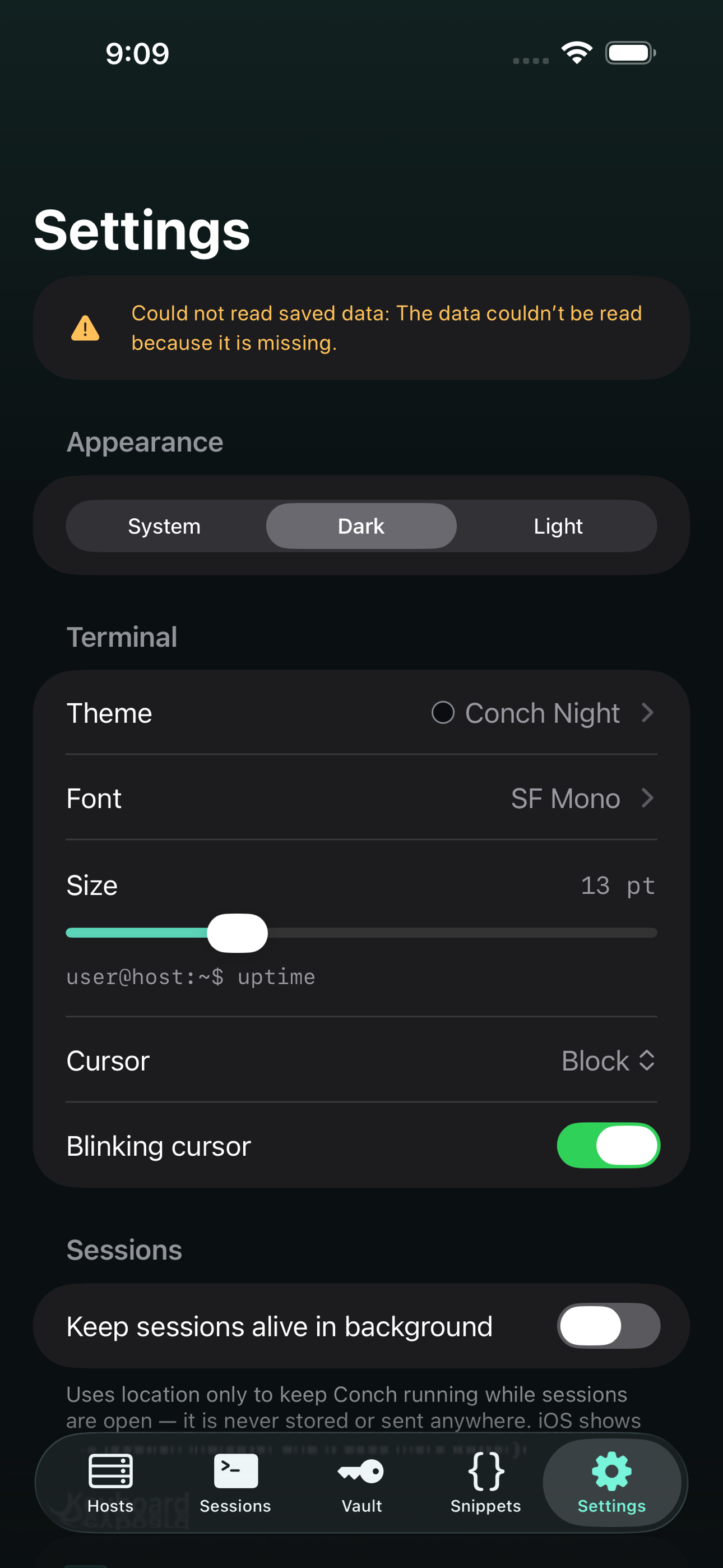
xterm-256color, tabs, 10k lines of scrollback, 9 themes, custom accessory row (Esc, Ctrl, arrows, F1–F12) and trackpad cursor gestures.
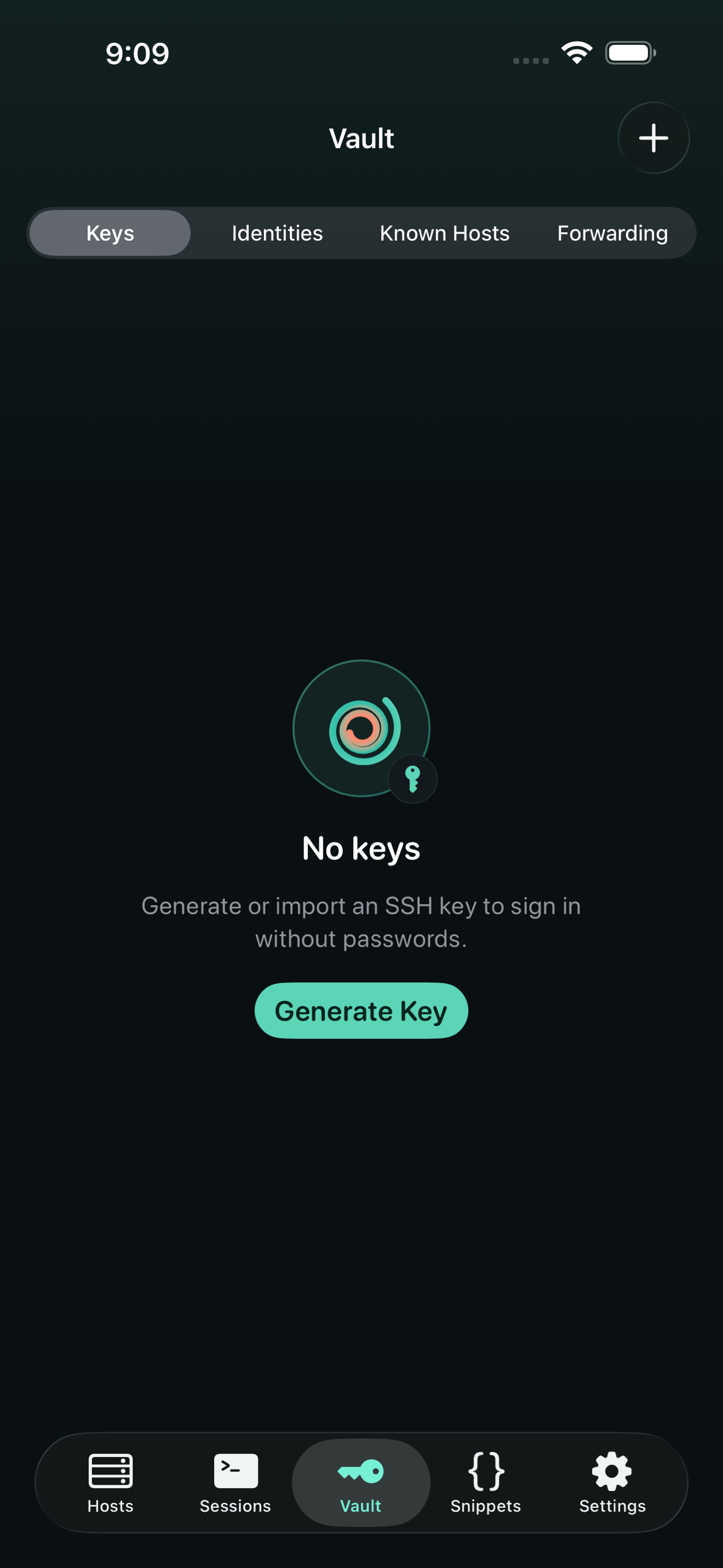
Key vault
Generate or import keys (OpenSSH, PEM), install a public key on a host, export behind Face ID. Secrets live in the Keychain as WhenUnlockedThisDeviceOnly.
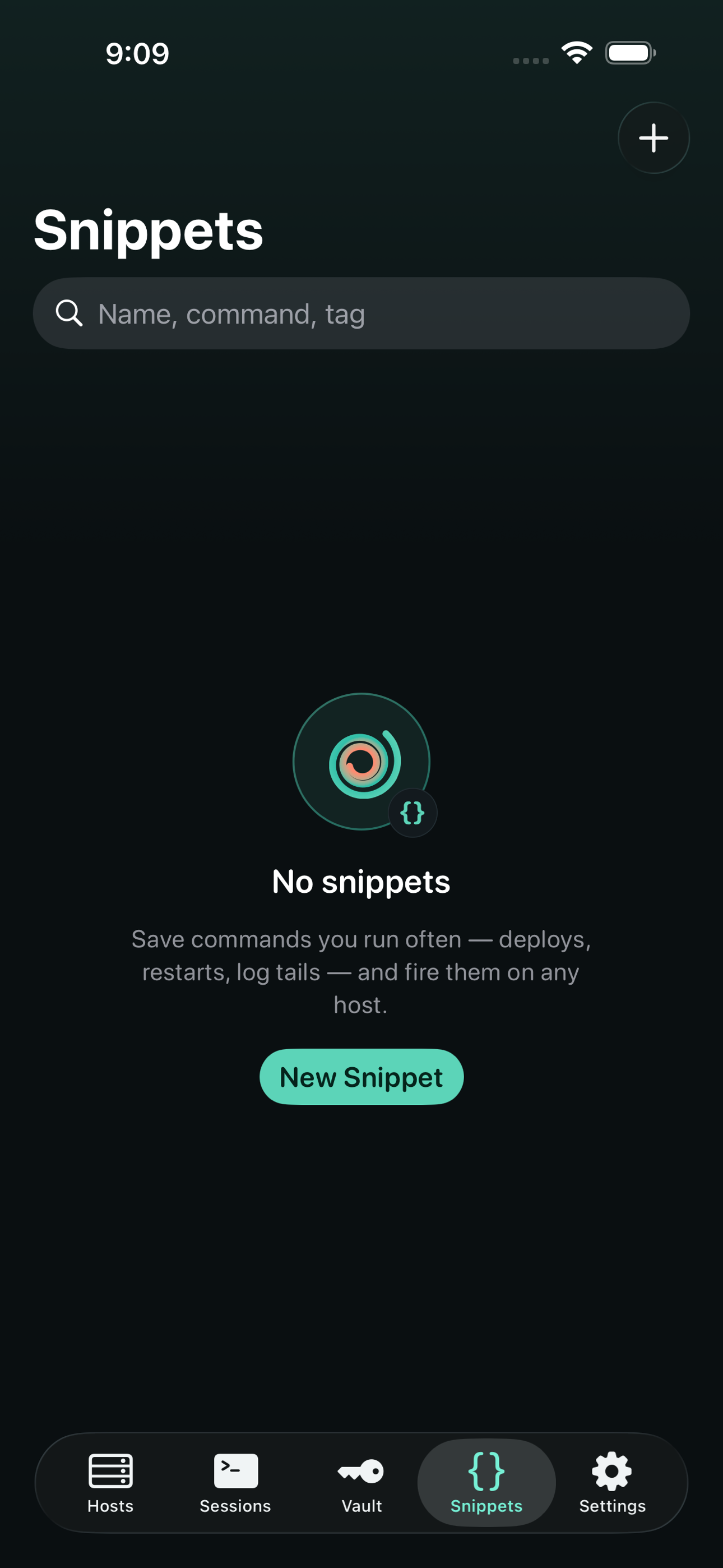
Snippets
Saved commands with {{variables}} — run them from the vault or automatically on connect.
Encrypted backups
Move between devices with a PBKDF2 + AES-GCM backup file. Secrets are only included when you set a password.